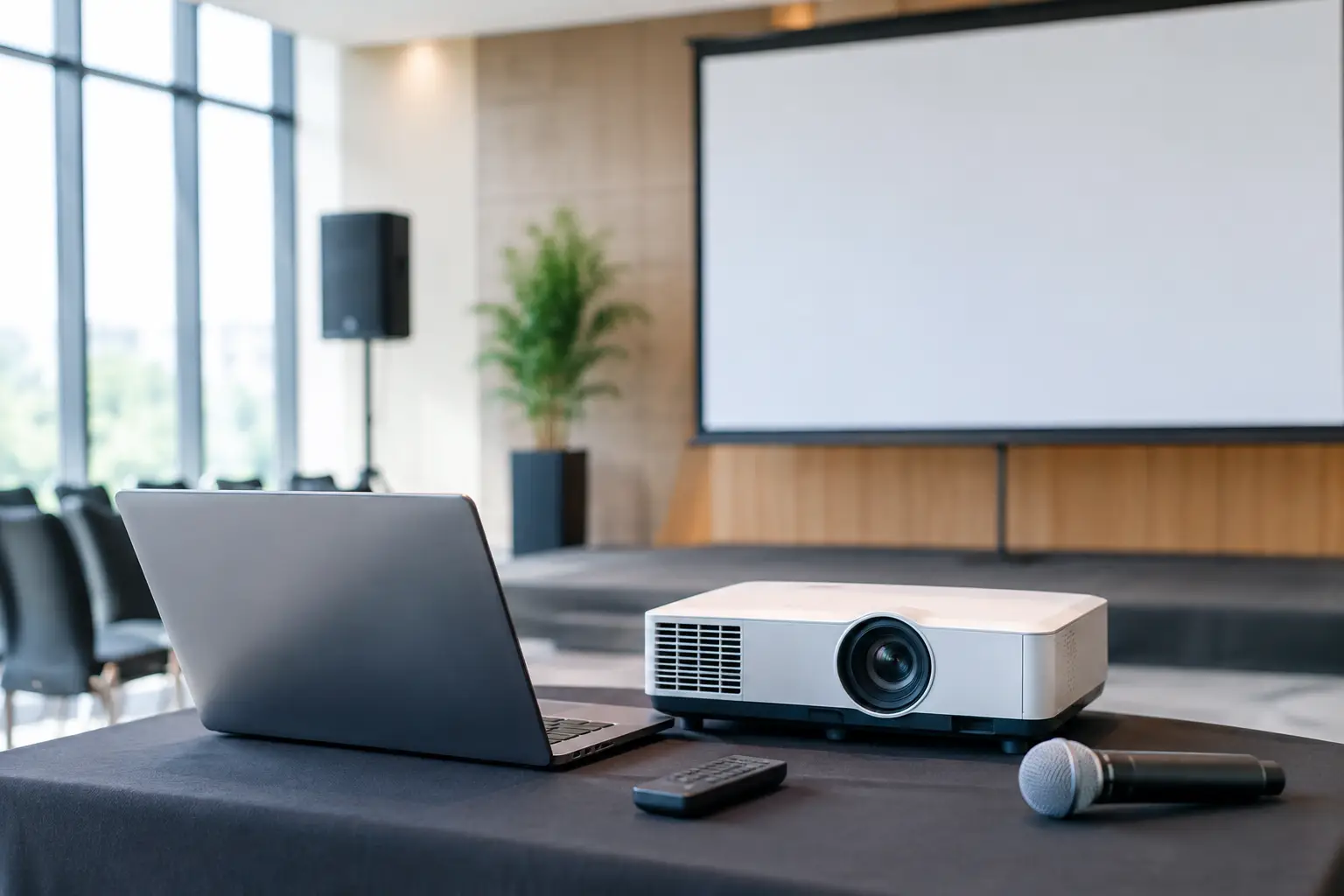
A boardroom presentation can fail before the first slide appears. A wireless microphone that drops out, a screen that is too small for the room, or poor lighting across a panel can leave an otherwise well-prepared speaker fighting the technology. This corporate presentation equipment guide is designed to help event organisers specify the right AV setup, protect the audience experience and give every presenter the confidence to focus on their message.
The right equipment is not simply a matter of hiring the biggest screen or the loudest PA. It is about matching professional technology to the room, audience numbers, content and running order. A 20-person leadership meeting needs a different approach from a 300-guest conference, awards evening or product launch.
Start with the audience, room and agenda
Before selecting equipment, establish what the audience needs to see and hear. Consider the number of attendees, the furthest viewing distance, the room layout, ceiling height, available daylight and whether guests are seated theatre-style, around cabaret tables or standing at a reception.
The agenda matters just as much. A single speaker using slides can often be supported by a straightforward projection package, professional audio and one handheld or headset microphone. A full-day conference with panels, video content, remote contributors and walk-on music needs a more considered production plan, including a technician to manage transitions.
Venue infrastructure should be checked early. Ask about loading access, parking, power availability, rigging points, internet reliability, house AV and the time available for setup. House equipment can be useful, but it is not always suitable for your event. A venue screen may be undersized, a built-in sound system may not cover the whole room evenly, and existing connections may not suit modern laptops or presentation formats.
Sound equipment that keeps every word clear
For corporate events, speech intelligibility is the priority. Guests should hear a presenter clearly at the back of the room without those seated near the front finding the volume uncomfortable. This is why properly specified speakers, positioning and sound control matter more than headline wattage.
A compact meeting may only require a discreet PA system. Larger spaces, long rooms and events with background music, awards stings or video playback may need a more capable system with dedicated low-frequency support. Premium loudspeakers from recognised production brands deliver detail and controlled coverage that basic portable systems often cannot match.
Choosing the right microphones
A handheld wireless microphone is practical for Q&A sessions, awards presentations and audience contributions. It is easy to pass between speakers and works well when the host needs to move around the stage.
Lapel microphones suit presenters who need both hands free, particularly when demonstrating a product or speaking from notes. Headset microphones are generally the stronger choice for energetic presenters because the capsule stays at a consistent distance from the mouth as they turn or walk. For a panel, plan for an individual microphone per panellist rather than expecting speakers to share.
Wireless microphones need professional frequency coordination and fresh, monitored power. A reliable setup also includes suitable stands, spare batteries and a sound engineer who can react quickly if a presenter changes position or a session runs differently from the original plan.
Do not overlook playback and remote audio
Video content should be played through the main PA, not from laptop speakers. If the programme includes walk-on music, award stings or film clips, make sure those files are supplied in advance and tested at the correct levels.
For hybrid meetings, audio is often the most demanding part. A remote attendee needs to hear the room without receiving an echo of their own voice, while people in the room need clear audio from the call. This requires appropriate microphones, speakers and echo-managed conferencing equipment, not simply a laptop placed at the front of the room.
Screens, projection and presentation confidence
The display choice should be based on content and ambient light. Projection remains an excellent option for many conferences, training days and formal presentations, especially where a large image is needed. However, bright rooms with extensive windows can make projected content appear washed out unless lighting can be controlled.
Large professional displays or LED video walls can be a better fit for daylight-heavy venues, exhibition spaces and branded events where colour and detail need to remain vivid. They also work well for layouts that combine slides, live camera feeds, sponsor content and countdown graphics.
Screen size is not a decoration. Guests at the back should be able to read key text, charts and figures without strain. Avoid packing slides with paragraphs or small tables, as no screen can compensate for content that is too dense. Use high-contrast designs, generous font sizes and simple layouts that remain legible from a distance.
Build in redundancy for critical content
For a high-profile event, bring a backup laptop, duplicate presentation files and the correct adapters for every device. USB-C, HDMI and DisplayPort connections are not interchangeable without the right hardware, and the supplied laptop should be tested before doors open.
If a presentation contains embedded video, custom fonts or animation, test it on the actual playback machine. A PDF can provide a useful fallback for static slides, while video files should be kept locally rather than relying on a streaming connection. These details are small until they interrupt a keynote.
Lighting that supports the stage and the brand
Good presentation lighting does more than make a room look impressive. It allows the audience to see speakers clearly, supports photography and video, and gives the stage an intentional, professional finish.
At a minimum, presenters need even front light. Without it, speakers can appear as silhouettes against a bright screen or disappear into a dark stage. For panels and awards, balanced lighting across the full speaking area is particularly valuable, as people may be seated or standing in different positions.
Colour wash lighting can bring brand colours into the room and improve the atmosphere before and after the formal programme. It should complement the presentation, not distract from it. Moving lights, effects and high-energy looks may suit a product launch or evening celebration, but a senior leadership briefing often benefits from a cleaner, more restrained design.
If filming is planned, tell the production team early. Lighting for a live audience and lighting for cameras overlap, but they are not identical. A considered plan reduces harsh shadows, overexposed screens and unflattering colour casts.
The value of a managed technical team
Dry hire can be suitable when an experienced in-house team understands AV equipment, has allowed time to test it and can solve issues under pressure. For most corporate organisers, managed production is the safer choice. It removes the burden of building, operating and fault-finding a system while the event is underway.
A professional technician handles setup, sound checks, laptop switching, microphone handovers, video playback and lighting cues. They can also adapt when a speaker arrives with a different device, a panel gains an extra guest or an agenda changes at short notice. That support is especially valuable when your team is busy welcoming delegates, looking after clients and managing the wider event.
At The Grind Events Hire, professionally maintained equipment, PAT testing and £10 million public-liability cover sit alongside hands-on technical support. Those standards help event teams meet venue requirements while keeping the production experience controlled and polished.
Corporate presentation equipment guide: a practical planning checklist
Use this brief when speaking with an AV supplier: share the venue name and room dimensions, guest numbers and seating plan, running order, presentation formats, brand requirements, video or streaming needs, and the access times for setup and collection. Confirm who is supplying laptops and content, whether the venue has restrictions, and who has authority to approve changes on the day.
Also be clear about the event's non-negotiables. For some organisers, it is a flawless keynote and readable financial figures. For others, it is an impactful product reveal, broadcast-quality filming or confident audience participation. The production plan should be built around those outcomes, rather than a generic equipment list.
The best corporate presentation setup is the one guests barely notice. They simply hear every point, see every slide and leave with the message exactly as your speakers intended.