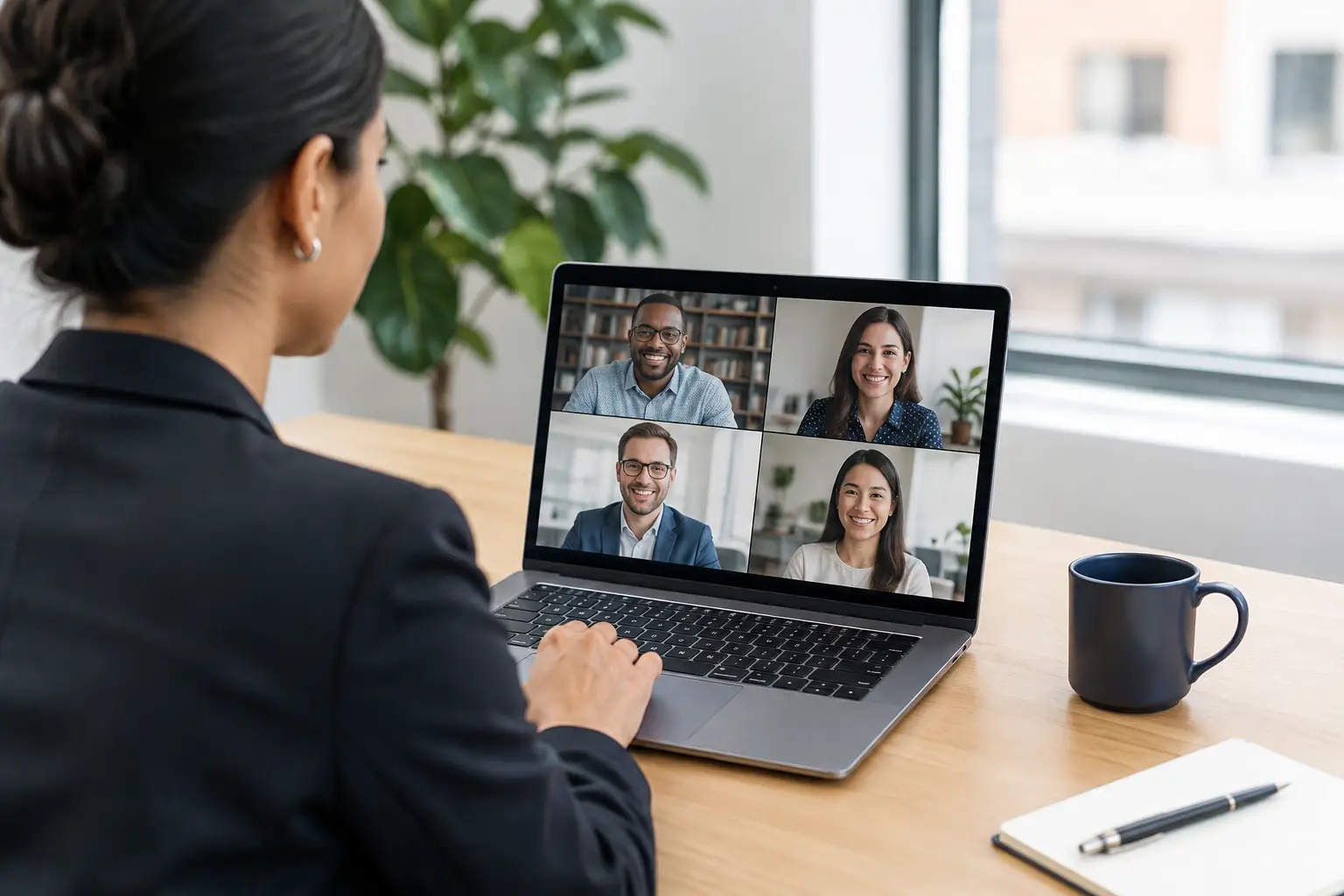
A hybrid event only works when people joining from home, the office or another venue feel like genuine participants rather than an afterthought on a laptop screen. The right hybrid event technology brings the room and the remote audience together through clear audio, purposeful camera work, reliable connectivity and production support that keeps every element on cue.
For a wedding speech streamed to relatives abroad, that may mean one camera, a wireless microphone and a secure viewing link. For a corporate conference, school production or awards evening, the requirements can be far more involved. Presentations, panel microphones, confidence monitors, video playback, remote contributors and audience questions all need to work as one coordinated production.
What hybrid event technology actually involves
Hybrid events combine an in-person gathering with a live remote experience. That sounds straightforward, but it is not the same as placing a phone at the back of a room and pressing record. A professional setup considers what remote guests can hear, see and respond to at every stage.
Audio is usually the first priority. People will tolerate a slightly imperfect camera angle; they will quickly switch off if voices are muffled, music is distorted or questions from the room cannot be heard. A proper audio feed takes sound directly from the microphones and sound desk, rather than relying on a camera’s built-in microphone. This creates a much cleaner result for online viewers while preserving the right sound level in the venue.
Video needs similar care. A camera should show the person speaking, the audience when their reaction matters, and presentation content when it supports the message. Lighting also becomes more important than many organisers expect. A room can feel pleasantly dim for guests but look flat, grainy or shadowed on camera. Controlled front lighting helps speakers look natural without turning the venue into a television studio.
Then there is the connection between all these elements. A video switcher can move between cameras and presentation content, while an operator manages what the online audience sees. For more formal events, a separate confidence monitor allows presenters to view slides, notes or remote contributors without turning away from the room.
Start with the audience, not the equipment
The best production specification depends on the event’s purpose. Before choosing cameras, screens or streaming platforms, establish who needs to take part and how they will do it.
A company briefing with remote staff may need clear presenter audio, branded slides and the ability to submit questions. A charity fundraiser could benefit from a professional host camera, video playback and a big-screen display that keeps the room engaged with online donations or messages. A wedding may require a discreet approach that captures speeches without crowding the top table or changing the atmosphere of the day.
It also matters whether remote attendees are watching or contributing. Watching is relatively simple. Contributing creates more variables: their camera and microphone quality, their broadband, how their voice is fed into the venue PA, and how the room avoids hearing an echo of itself. This is where experienced technical planning earns its place.
Ask early whether remote guests need to speak, whether questions will come from both audiences, and whether the event needs to be recorded. Those answers shape the whole system. Adding interaction late in the process is possible, but it often increases complexity and reduces the time available for testing.
The hybrid event technology that makes the difference
A dependable hybrid setup is built from professional components that serve a clear purpose. It does not always need the largest possible system, but it does need the right one.
Clear sound for both audiences
Wireless handheld, lapel or headset microphones give speakers the freedom to move and help ensure every word reaches both audiences. For panels, each person needs a microphone rather than relying on one shared mic placed in the middle of a table. This gives the sound engineer control over levels and keeps online listeners from missing quieter speakers.
The audio mix for the internet should not always be identical to the mix in the room. Remote contributors, for example, need to hear the presenter but not their own voice sent back a moment later. This is managed through a mix-minus feed, which prevents the distracting echo that can derail a live discussion.
Cameras with a purpose
One well-positioned camera can be ideal for a small speech or intimate ceremony. Larger events may require multiple cameras: a wide room view, a closer speaker shot and a dedicated presentation feed. Switching between them keeps the experience clear and engaging without becoming overly busy.
Camera position needs to respect sightlines, accessibility and venue layout. Equipment should support the occasion, not become the main feature of it. Cabling, tripods and operator positions should be planned so guests can move around safely and photographers, catering teams and venue staff can work without obstruction.
Presentation and display systems
For room-based guests, high-quality projection or LED displays make content readable from where people are seated. For remote viewers, slides need to be supplied directly to the stream rather than filmed from across the room. The difference is significant: text stays crisp, branding remains accurate and graphs can actually be read.
A confidence monitor can also transform a presenter’s experience. Rather than repeatedly looking back at a projection screen, they can face the audience while seeing their next slide, timer or remote guest feed in front of them.
Internet, recording and backup planning
Venue Wi-Fi is not automatically suitable for a live broadcast. It may be shared with hundreds of guests, subject to restrictions or simply unreliable in the event space. A site visit or advance test helps identify the available upload speed, network stability and any login or firewall requirements.
Where the event has a high profile or cannot afford interruption, a dedicated wired connection is preferable. A backup connection, such as bonded mobile data, provides added reassurance. Recording locally is also wise, particularly for training sessions, school events and corporate presentations where the content has value after the live broadcast ends.
Why an operator matters as much as the kit
Hybrid events need someone to monitor more than the room. A speaker may begin early, a video call may arrive with low volume, or a presentation may use the wrong aspect ratio. These are normal live-event variables, but they need prompt, calm decisions.
An experienced operator checks microphones, camera framing, screen content and the outgoing stream throughout the event. They can cue remote contributors, manage transitions and spot issues before they become visible to the audience. This allows the organiser to focus on guests, speakers and the event itself rather than becoming the unofficial IT desk.
At The Grind Events Hire, this is approached as production support rather than a box of equipment delivered to a venue. Professionally maintained systems, PAT-tested equipment and practical event experience provide the foundation, while the final setup is shaped around the venue, timetable and audience.
Plan the running order for two rooms at once
A hybrid event has two audiences with different needs. People in the venue can read body language, speak to each other during a pause and see activity beyond the stage. Remote attendees have a narrower view, so they benefit from clearer signposting.
Build short pauses into the schedule when moving between speakers, videos or remote calls. Let online guests know when a break is happening and when the programme will restart. If questions are invited, nominate somebody to watch the online chat or platform Q&A rather than expecting the presenter to manage it alone.
Remote contributors should join early for a technical check. Confirm their sound, camera angle, lighting and connection, then explain exactly when they will be introduced. A contributor who knows where to look, when to unmute and how long they have to speak will appear far more confident to both audiences.
Common shortcuts that cause problems
The most frequent issue is treating the stream as an afterthought. If cameras, audio feeds and network access are considered only on the day, there is little room to solve avoidable problems.
Another common mistake is underestimating the room acoustics. Large halls, glass-fronted spaces and busy venues can create reverberation that makes spoken word harder to understand. The right microphone choice, speaker placement and sound-desk control help manage this, but each venue needs its own approach.
It is also worth being realistic about interactivity. A fully open video call can work for a small team meeting, but it can become difficult to manage at a large public event. Moderated questions or pre-arranged remote speakers may deliver a better experience, depending on the audience and the objective.
Give remote guests a reason to stay engaged
The strongest hybrid events do not simply broadcast what happens in the room. They make considered choices for remote attendees: clear close-ups during key speeches, direct presentation feeds, moments for questions and a host who acknowledges people joining online.
That level of care is what turns a stream into part of the event. When the technical plan is agreed early and delivered by people who understand live production, guests can focus on the message, the celebration or the occasion - wherever they are joining from.