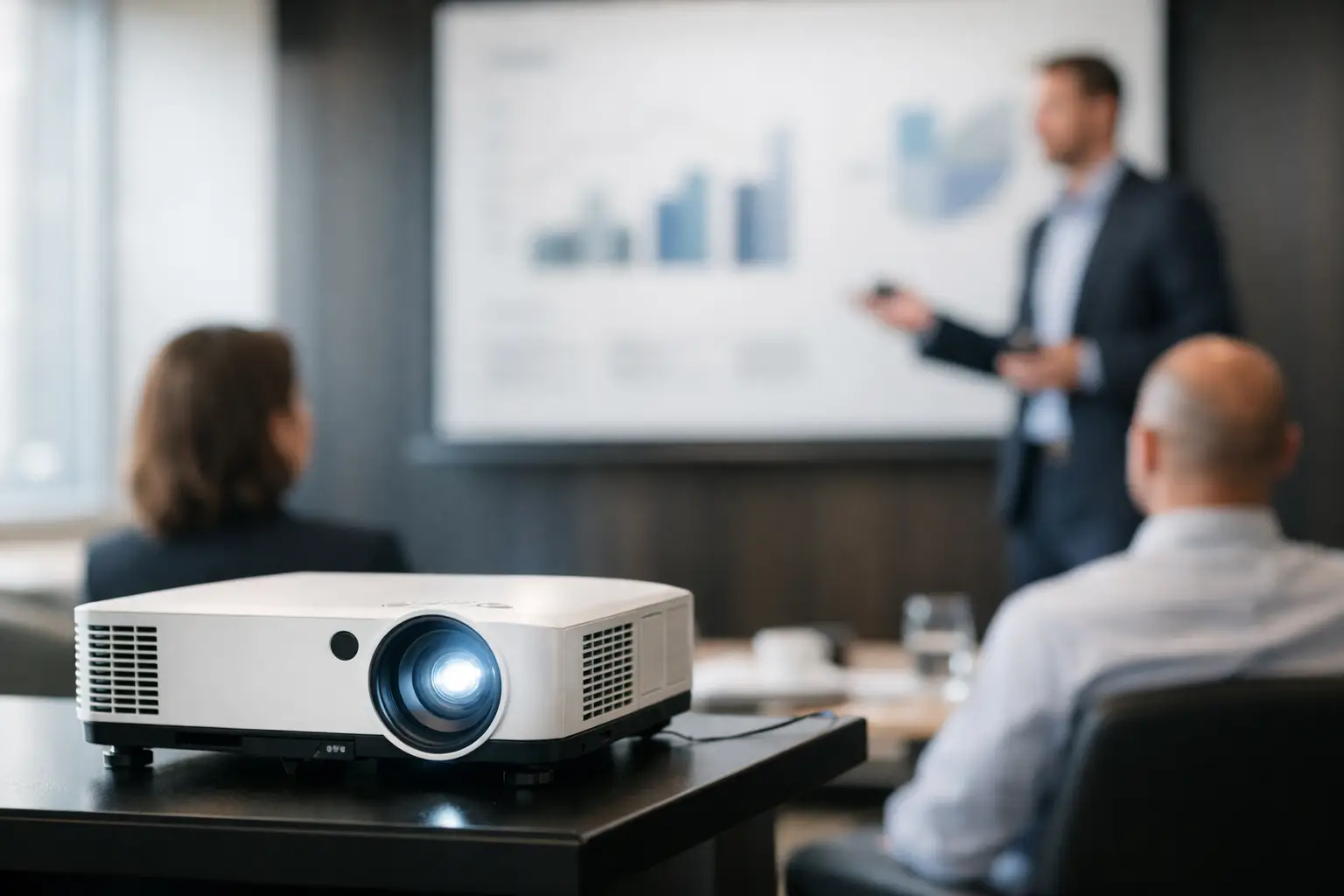
A presentation can be well prepared, well designed and delivered by the right person, yet still lose the room if the screen is washed out, the text is too small or the connection fails five minutes before the start. Professional projector hire for presentations is about preventing those moments. It gives your message the visibility, reliability and technical support it needs to land properly, whether you are addressing a boardroom, school hall, conference audience or room full of wedding guests.
A projector is not simply a box that puts an image on a wall. The right result depends on the venue, audience size, ambient light, content, screen position and the devices being used. Getting those details right before the event protects your schedule and gives presenters the confidence to focus on the room rather than the equipment.
What professional projector hire changes
The difference between a basic projector and a professionally specified presentation system is most obvious when the conditions are not perfect. Many venues have bright windows, ceiling lighting that cannot be fully controlled, high ceilings or limited space for a screen. A low-output unit may appear acceptable during a quick test, then become difficult to see once the room is filled and the lights come on.
Brightness is measured in lumens, but the highest figure is not automatically the best answer. A small, darkened meeting room may need a very different projector to a daylight-facing training suite or a large school assembly hall. We look at the viewing distance, room lighting and screen size together, so the image remains clear without hiring more equipment than the event requires.
Resolution matters as well. Video, photographs and simple slides can often work well at a standard HD resolution. Detailed spreadsheets, architectural drawings, data dashboards and small-font presentations benefit from higher resolution and careful scaling. If people at the back cannot read the key figures, the presentation is not doing its job.
Professional hire also means properly maintained, PAT-tested equipment, clean optics, quality cabling and a system that has been checked before it arrives on site. Those operational details are easy to overlook until they become the reason a session starts late.
Choosing projector hire for presentations by venue
The venue should guide the specification from the outset. Rather than selecting a projector from a product list alone, start with what the audience must see and the conditions in which they will see it.
Boardrooms, meeting rooms and training sessions
For smaller groups, a compact professional projector and a correctly sized screen can create a polished setup without overwhelming the room. Front projection is often the practical choice, although rear projection can be useful where presenters need clear access to the screen and there is enough space behind it.
Bring the presentation device to the planning stage wherever possible. Laptops vary in their output connections, display settings and aspect ratios. Modern machines may require USB-C adapters, while older laptops may use HDMI or other connections. Supplying the correct adapters and testing the signal in advance avoids the familiar scramble for a spare lead just before guests arrive.
Conferences, awards evenings and corporate events
Larger spaces usually require a brighter projector, a larger screen and more deliberate positioning. For a conference, the audience needs to see slides from the rear rows without obstructed sightlines. For an awards night, projection may sit alongside stage lighting, music, walk-on content and microphones, so it needs to operate as part of a complete production rather than as a separate add-on.
In these environments, sound is often just as important as the image. Embedded projector speakers are not designed to carry presenter audio, videos or stings across a function room. A suitable PA system, wireless microphone and technician-operated playback can make the difference between an event that feels improvised and one that runs with purpose.
Schools, charities and community venues
School productions, fundraising events and community presentations often take place in halls with challenging acoustics and lighting. The practical priority is a system that is clear, safe and straightforward to operate. A screen or suitable projection surface is essential - projecting onto a coloured wall, curtain or uneven surface can reduce contrast and make text harder to read.
For events with multiple presenters, video playback or audience participation, allow time for a full run-through. It reveals small issues such as a laptop going to sleep, video audio routed to the wrong output or a slide deck formatted for a different screen shape.
Brightness, screens and sightlines
A projector only performs as well as the surface it is projecting onto. A proper screen provides a consistent, neutral image and helps the content look more professional. Screen size should be based on the furthest viewer, not the people in the front row. As a general rule, detailed content needs a larger image than a simple video montage or presentation with minimal text.
Screen placement deserves just as much attention. Avoid positioning it where guests will cross in front of the image, where a bright window falls directly onto the surface or where a presenter has to stand in the projection beam. In a formal setting, a screen should feel intentional and cleanly integrated into the room layout.
Projector placement has trade-offs. Front projection is versatile and normally requires less space, but it can cast shadows if people stand too close to the screen. Rear projection keeps the presenter and audience clear of the beam, but needs additional depth behind the screen and may not suit every venue. Ceiling mounting, truss mounting or a secure stand can each be appropriate, provided the equipment is placed safely and the route for cables is managed properly.
Do not overlook sound and presenter control
If a presentation includes video, a guest speaker or a panel discussion, plan the audio at the same time as the projection. A projector can display a film perfectly while its soundtrack is barely audible beyond the first few chairs. In a busy venue, that is more than an inconvenience - it means part of the message is lost.
Wireless handheld, lapel and headset microphones each suit different styles of presentation. A handheld microphone works well for audience questions and brief speeches. A lapel microphone gives a presenter freedom to move, while a headset can be the better choice for an active trainer or host who needs consistent voice level. The right choice depends on the format, not simply personal preference.
Presenter clickers are another small addition with a big practical benefit. They allow the speaker to face the audience rather than repeatedly turn towards a laptop. For more complex events, confidence monitors can show presenters their slides, notes or a timer without asking them to look back at the main screen.
A reliable setup starts before delivery
The most effective AV plans are made before equipment is loaded into the vehicle. A short technical discussion should cover room access, setup times, parking, power availability, stage layout, ceiling height, blackout options and the format of the content. It is also worth confirming whether venue Wi-Fi is needed. If online video is critical, having a downloaded backup version is sensible.
Ask who will be operating the equipment during the event. For a simple internal meeting, a tested plug-and-play setup may be suitable. For a conference with multiple speakers, live video, walk-on music or tight timings, technician support offers genuine peace of mind. A technician can manage source changes, audio levels and unexpected issues while the organiser looks after delegates and speakers.
At The Grind Events Hire, projector systems can be specified alongside professional PA, microphones, lighting and technical support, giving organisers one coordinated production plan rather than a collection of disconnected hires. This is particularly valuable where presentation content is only one part of the event experience.
Common presentation problems and how to avoid them
The most common issues are predictable. A room is brighter than expected, the screen is too small, the laptop needs an adapter, or a video has sound but no audio route to the PA. None of these are difficult to solve when they are identified early.
Give the presentation a final check on the actual screen, using the actual laptop and the final version of the file. Check small text, embedded video, fonts, animation, audio and slide transitions. Keep a backup copy on a USB drive and, where appropriate, as a PDF. If the presentation is business-critical, bring a second device or arrange for a technician to have a tested fallback source ready.
Also consider the room after the audience arrives. People bring bags, tables are moved, blinds may be opened and lighting requirements can change. A setup that accounts for real event conditions will always outperform one designed around an empty room.
The best projector hire does not draw attention to itself. It simply makes every slide, film and speaker easy to follow, leaving your audience with the message you planned for them to remember.